
Thin Miyoo client
Keep navigation and playback launch on the Miyoo while PCServer handles the heavier work.
Published by Quantum Rift Interactive · PocketCinema · v1.0.0 · Released
PocketCinema
A lightweight cinema and Stremio-style streaming client for Miyoo Mini Plus, powered by a companion PocketCinema Server (PCServer).

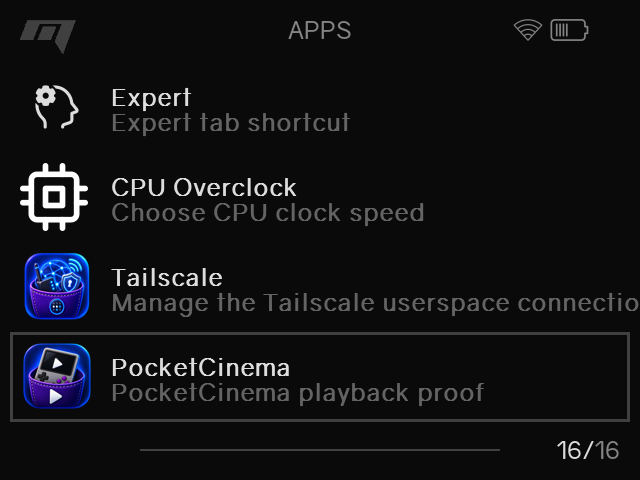
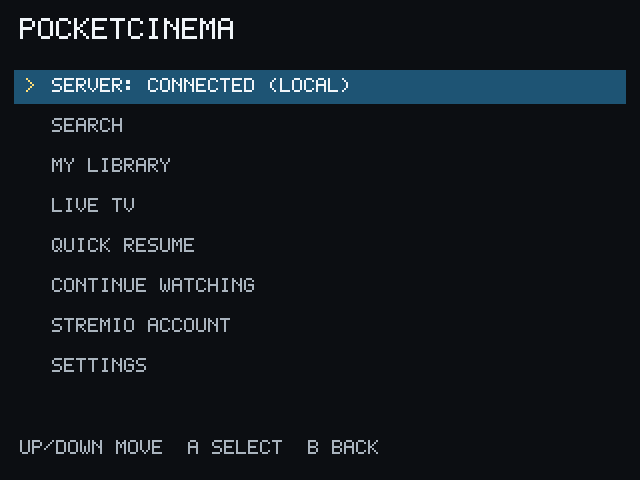
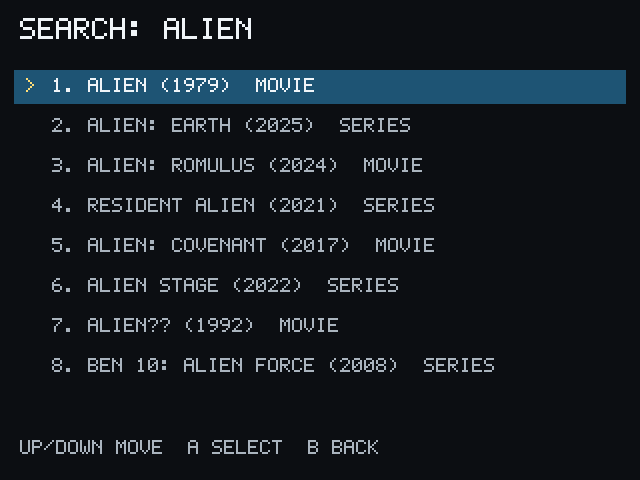
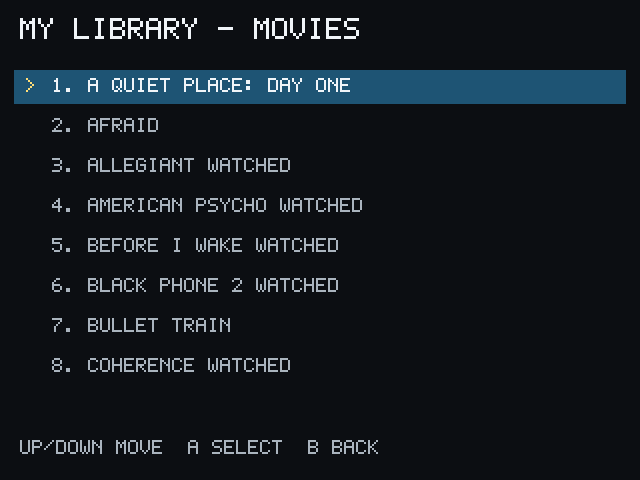
See it in action
PocketCinema keeps the interface focused on the Miyoo while the server handles account-backed browsing and playback preparation.
How it works
PocketCinema connects the Miyoo to PocketCinema Server, which connects to the user's configured Stremio ecosystem.
Key features
Keep navigation and playback launch on the Miyoo while PCServer handles the heavier work.
Use a linked account and its installed addons without bundling or requiring a particular provider.
PCServer selects compatible sources and can perform supported conversion or downscaling for the device.
Browse compatible TV catalogs supplied by the linked account through the dedicated Live TV flow.
Requirements
You need a Miyoo Mini Plus running OnionOS, a computer running PCServer, and a trusted local or private network. FFmpeg and ffprobe are required on the host for the supported preparation paths.
Public documentation
Read the setup, account, playback, subtitle, Live TV, remote-access, privacy, and v1 limitation guides.
Status & FAQ
No. It is a focused Miyoo client that connects through PCServer to the user's configured Stremio ecosystem.
Yes. PocketCinema v1.0.0 is released and available from the public GitHub release page. PocketCinema remains free and open-source.
No. Media and addon availability comes from the user's account and configured services.
PocketCinema is an independent project and is not affiliated with Stremio.
Delivery status
Review the current release status and its release notes.
Release notes
Browse movies and series, choose seasons and episodes, and launch playback with a compact controller-driven interface.
Run the desktop PocketCinema Server companion for metadata, account, addon, and stream preparation.
Play supported H.264/AAC and VP8/Vorbis sources with device-aware compatibility checks.
Download the Windows x64 or macOS arm64 PocketCinema Server package.
Follow the public setup and troubleshooting guides for the Miyoo client and PocketCinema Server.
Next step
Download PocketCinema, read the setup guide, or explore the open-source project.