
01
PRISM Surface materials
Shape broad surface character with fixed World or Object triplanar mapping, UV variation, anti-tiling, detail, emission, and macro variation.
Published by Quantum Rift Interactive · PRISM Surface v1.1.0 · Pending Asset Store Review
Procedural Rendering & Integrated Surface Materials
PRISM Surface is a Unity 6 HDRP editor toolset for authoring PRISM-compatible materials, converting supported HDRP materials, and procedurally placing surface detail as Mesh Quads or HDRP Decals.
See it in action
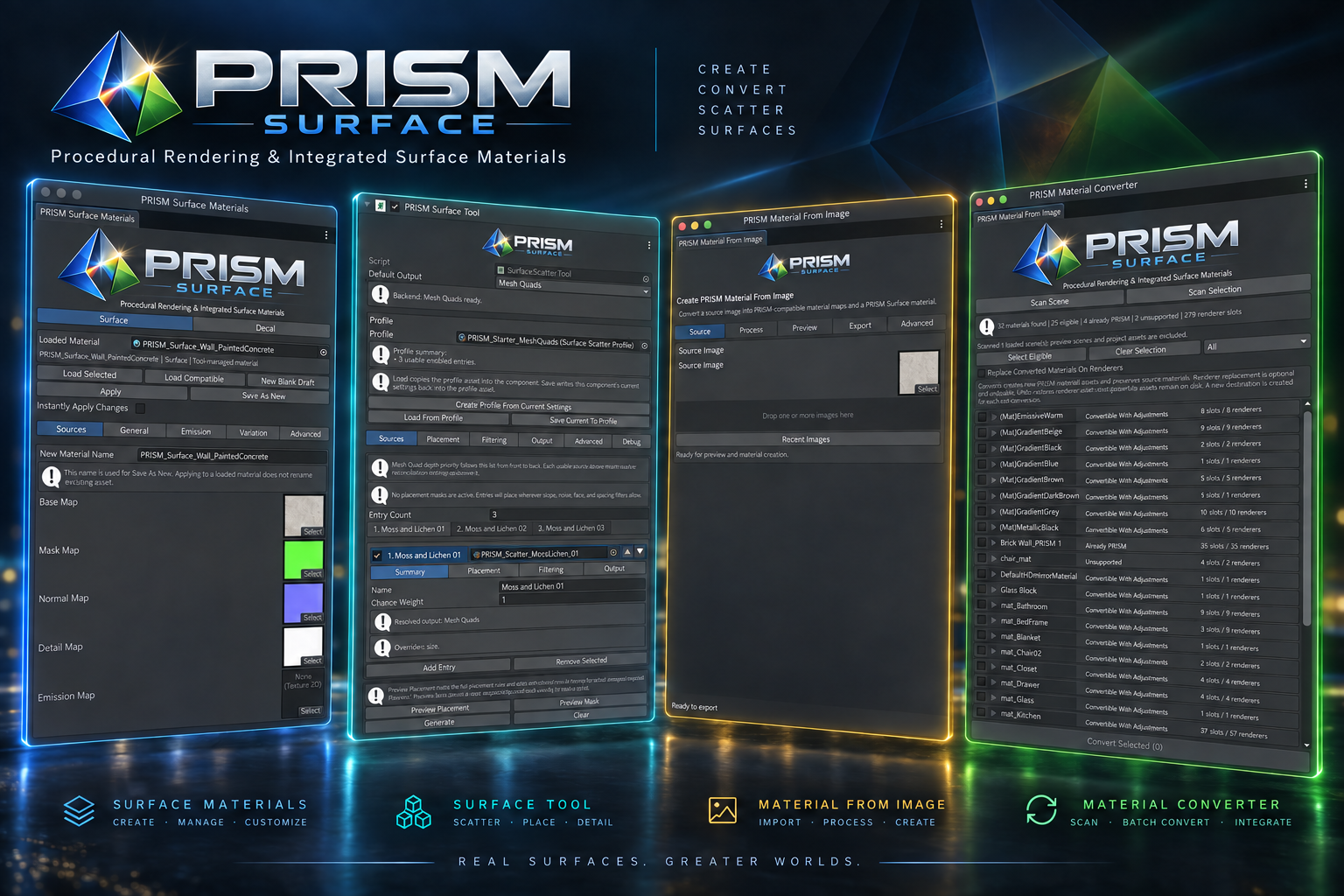
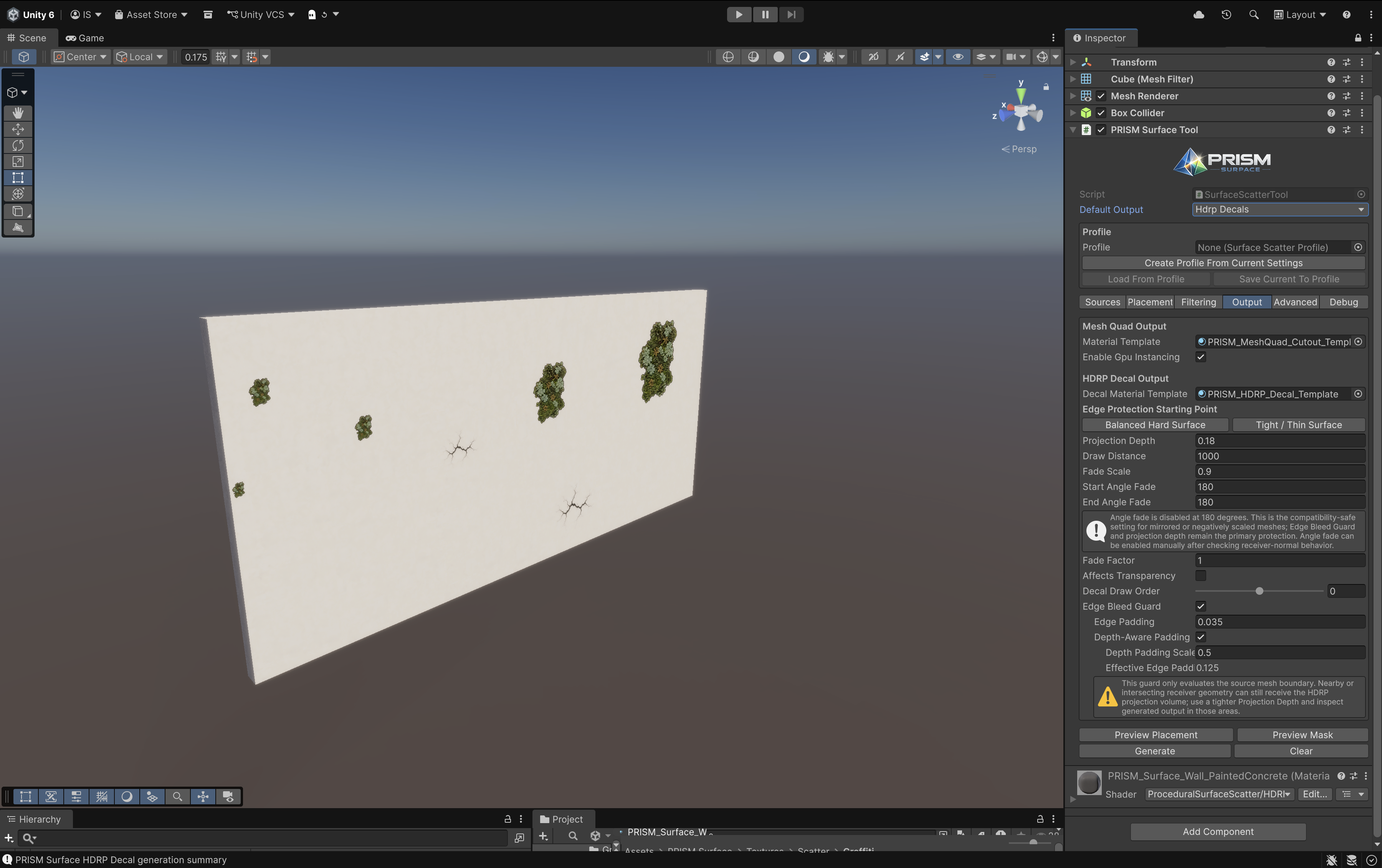
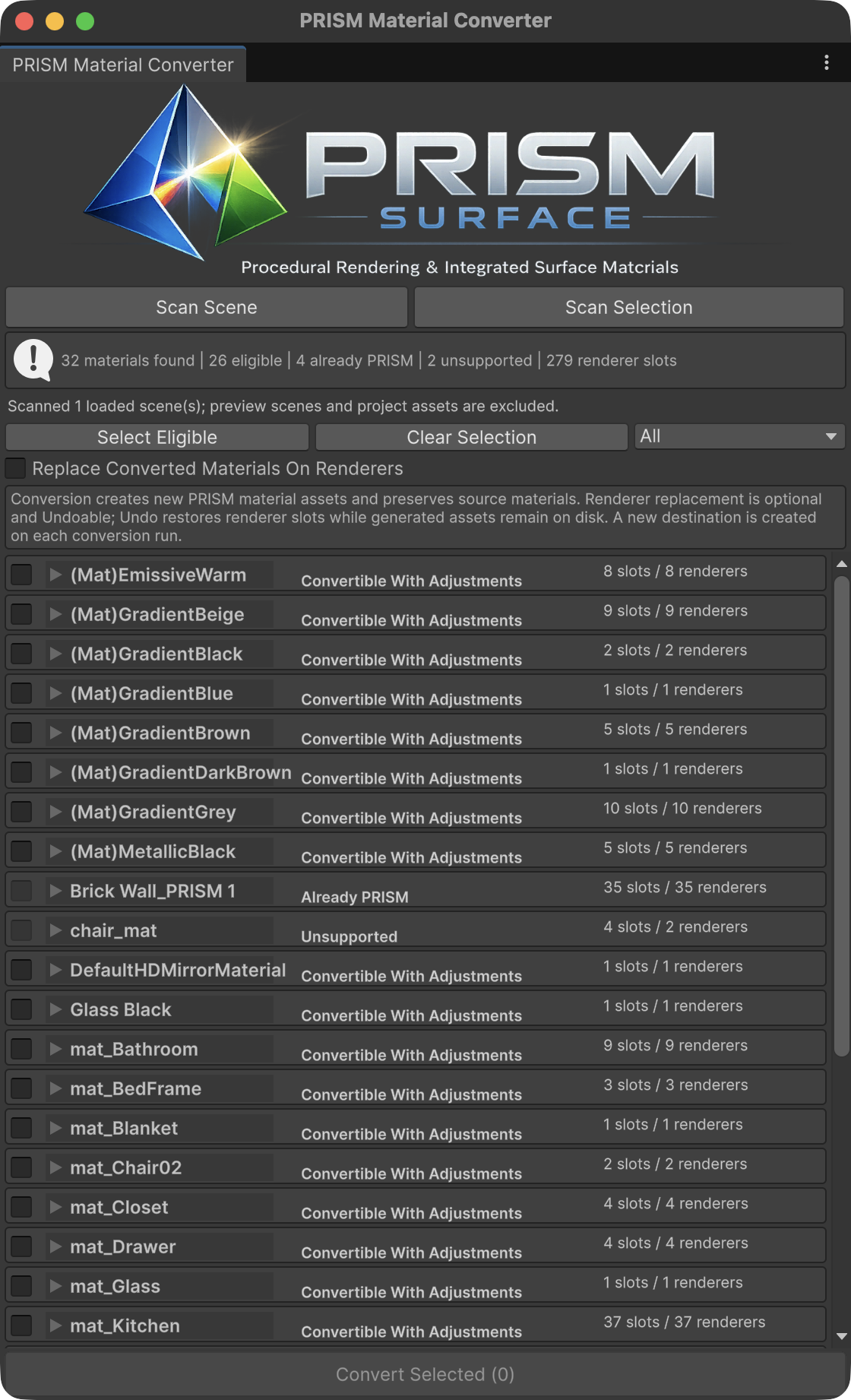
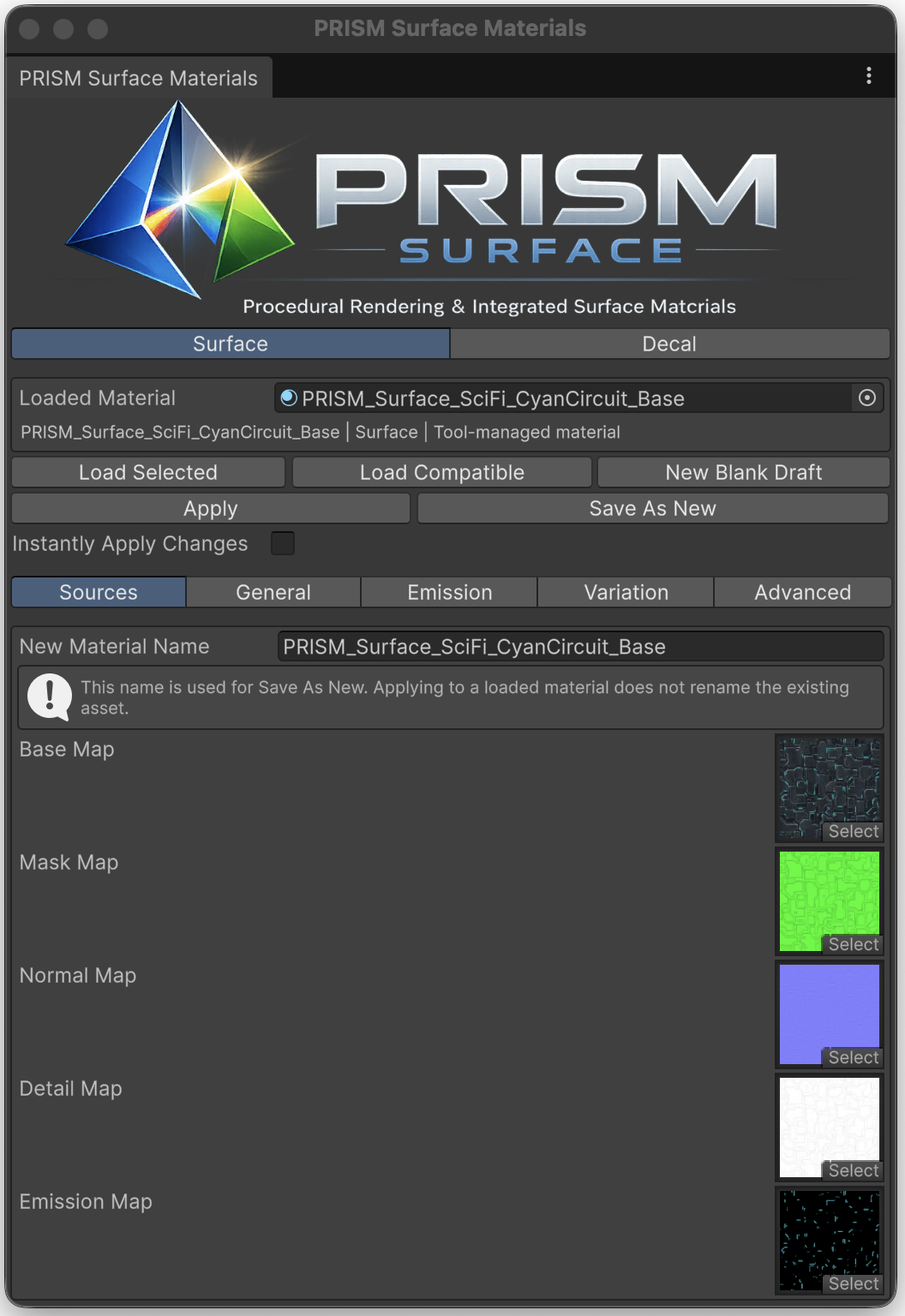
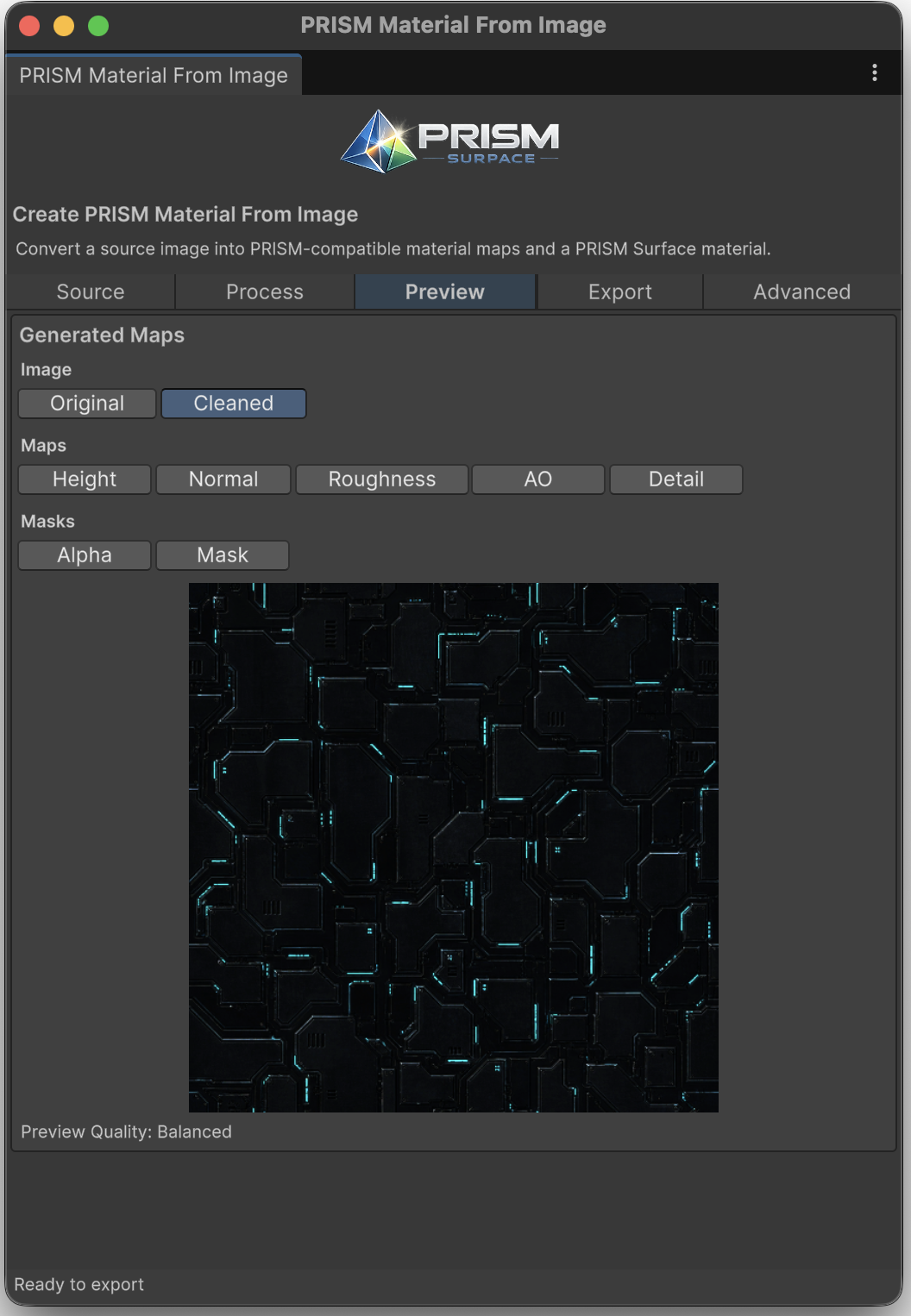
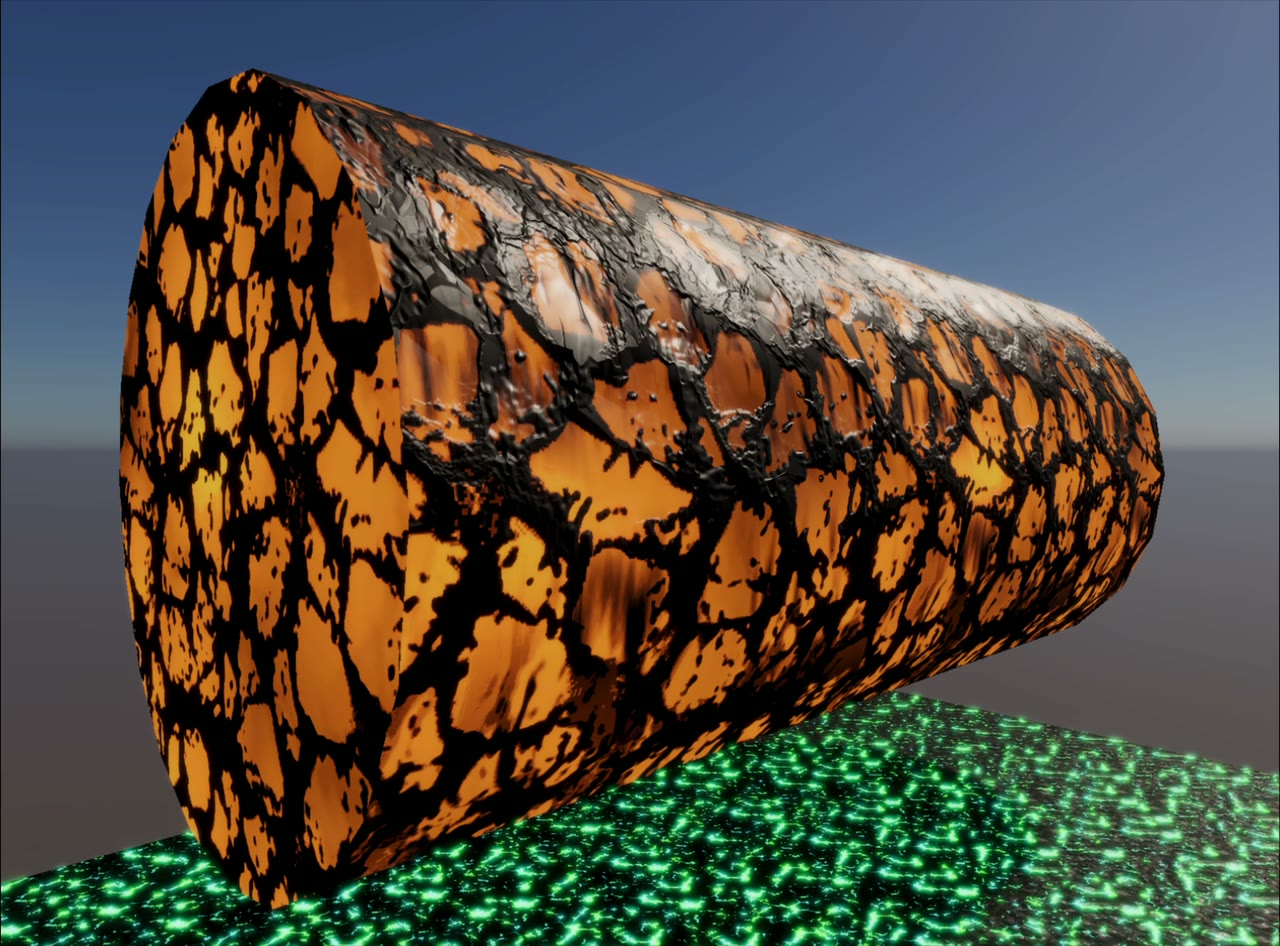
These captures show the working tool, material system, and resulting scene output—not a separate marketing mockup.
One connected workflow
PRISM Surface combines the material choices that shape a receiver with a scatter workflow that decides where separate marks and details appear. The two sides are designed to work together.
01
Shape broad surface character with fixed World or Object triplanar mapping, UV variation, anti-tiling, detail, emission, and macro variation.
02
Sample a receiver mesh to place weighted texture sources as Mesh Quads, HDRP Decals, or a mix of both—without hand-placing every result.
03
Scan and review compatible HDRP/Lit materials, then create PRISM materials while preserving the source assets.
Core capabilities
Fixed triplanar materials with an aligned Base, Mask, Normal, Detail, and Emission stack.
Use Pattern Variation or Stochastic Tiling to reduce visible repetition where it matters.
Vary supporting texture detail while preserving the material workflow’s aligned layers.
Generate alpha-cutout card detail attached to the sampled receiver surface.
Create projected HDRP decal detail with output-specific controls.
Route individual sources to Mesh Quads or HDRP Decals from one tool.
Control placement with masks, slope, face, density, and spacing rules.
Place around configured scene targets when the detail needs context.
Use Under Anchor and Drip Streaks workflows for directional surface marks.
Preview placement or masks, then reuse settings through profiles.
Author PRISM Surface and HDRP Decal materials for the intended output.
Build PRISM-compatible material maps and optional scatter bridge assets from readable images.
Scan and convert supported HDRP/Lit materials into PRISM materials without replacing source assets by default.
Roadmap preview
Develop a native runtime surface-influence system for PRISM that propagates effects such as corruption, frost, wetness, scorching, and organic growth across connected environment surfaces.
Develop atlas-aware multi-region PRISM materials with UV0 region classification and independently authored PBR regions, including region-mask authoring and atlas/trim-sheet conversion workflows.
Artist workflow
Build the material, shape the surface, place the detail, then inspect the result in context.
Output workflows
One PRISM Surface Tool can route sources to both output types, so a receiver can use the appropriate result for each kind of mark.
| Output | Best for | Consider |
|---|---|---|
| Mesh Quads | Explicit card geometry and alpha-cutout surface detail. | Inspect fitting at hard edges and use a practical Surface Lift. |
| HDRP Decals | Projected detail that participates in HDRP decal channels. | Keep Projection Depth tight and inspect corners, thin geometry, and nearby receivers. |
| Mixed output | Different source textures that need different output types. | Configure source routing, then Generate and Clear both output groups together. |
Material system
PRISM Surface materials use fixed triplanar mapping with World or Object mapping space, plus UV Variation, Pattern Variation, and Stochastic Tiling for reducing repetition. Base, Mask, Normal, Detail, and Emission maps stay aligned as one material stack.
Explore PRISM materialsWorld / Object triplanar mapping
UV Variation
Pattern Variation & Stochastic Tiling
Aligned map layers
Material From Image
Start from a readable photograph, illustration, scan, painted texture, or another usable image. PRISM Material From Image creates compatible maps and a PRISM Surface material, with optional bridge assets for scatter profiles.
Material Converter
Scan a loaded scene or selected objects, review compatibility and mapping warnings, then convert supported HDRP/Lit materials into new PRISM assets. Replacing renderer assignments is optional and can be undone in Unity.
Artist documentation
Browse the PRISM Surface manual for requirements, tool controls, practical recipes, material conversion, materials, troubleshooting, and the public AI content notice.
FAQ
Yes. Route sources individually and configure both output groups on one PRISM Surface Tool.
Yes, when the receiver, input data, settings, and Seed remain unchanged. Change Seed for a different repeatable arrangement.
No. PRISM Surface v1.1.0 is HDRP-focused.
No. It accepts readable images, including photographs, scans, illustrations, and painted textures.
No. Stochastic Tiling uses deterministic procedural cell seeds.
No. PRISM Surface samples the MeshFilter’s shared mesh and creates generated output. Clear removes that generated output.
Delivery status
Review the current release status and its release notes.
Submitted Release
Pending Asset Store Review
Release notes
Scan loaded scenes, including inactive renderers, or selected GameObject hierarchies; shared materials are listed once and classified as Already PRISM, Fully Convertible, Convertible With Adjustments, or Unsupported before conversion.
Convert supported HDRP/Lit Opaque, Alpha Clipped, and Transparent (Alpha blend) materials into new PRISM assets; supported Surface Type state is carried into the destination, and the source material remains unchanged.
Renderer-slot replacement is off by default. When enabled, it updates scanned slots after conversion; Unity Undo restores the assignments while leaving generated PRISM assets available.
Supported Mask Map channels and remap ranges are transferred to PRISM; when no Mask Map is assigned, supported Metallic, Smoothness, and Ambient Occlusion scalar values provide the corresponding fallback.
Improved Material Tool persistence and responsiveness.
The manual now includes a dedicated Material Converter guide with overview, compatibility-review, before, and after screenshots. Converted HDRP UV-mapped materials use PRISM triplanar sampling, so texture scale or orientation can change; atlas, trim-sheet, baked-layout, and other UV-layout-dependent materials require artist review.
Next step
Start with the PRISM Surface manual and explore the workflow at your own pace.