
Continue Watching
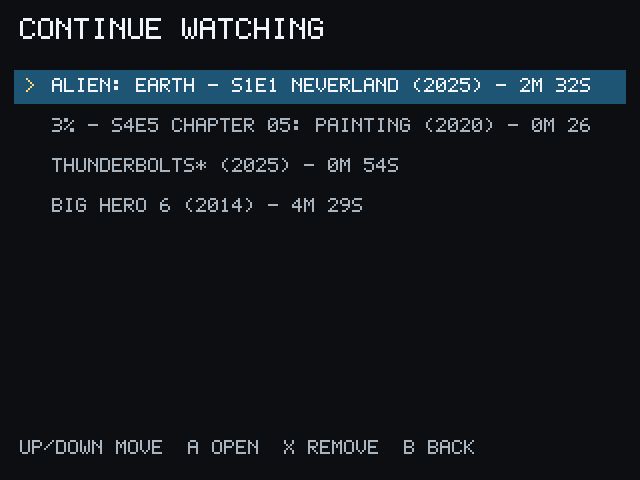
PocketCinema keeps a compact Continue Watching list for playback with valid progress.
Continue a title
Section titled “Continue a title”- Choose Continue Watching from Home.
- Select an item.
- Choose the available resume or playback action.
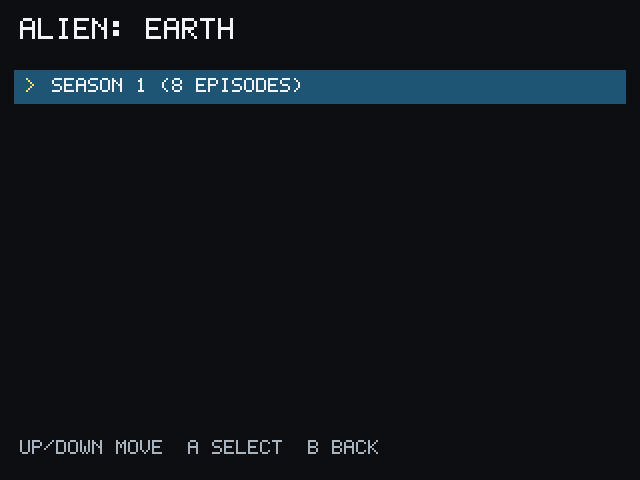
For a series, open the series from Search or My Library and use the available resume or playback action. You can also choose a season and episode manually through the normal series browsing flow. PocketCinema does not expose a separate automatic episode-advance screen or action in the supported v1 UI.
During playback, the Miyoo Menu button exits. PocketCinema excludes startup and unverified pause time from saved progress.