
My Library
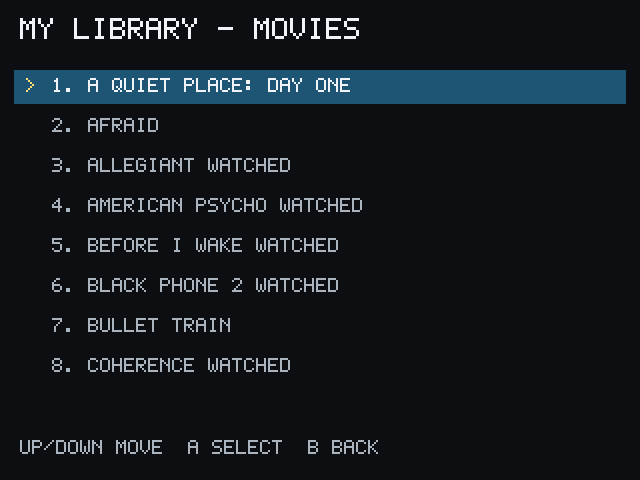
My Library displays Movies and Series from the linked Stremio account.
- Choose My Library from Home.
- Choose Movies or Series.
- Select an item to continue into its normal details, episode, source, and playback flow.
Long lists may use more than one page. Watched or current markers may appear when the account provides that information.
PocketCinema’s Library is read-only. It does not add, remove, or edit items in your Stremio account.
If the Library is empty, confirm that the intended Stremio account is linked and that its addons or service are available.