Watch your first movie
This is the shortest path from a connected Miyoo to playback.
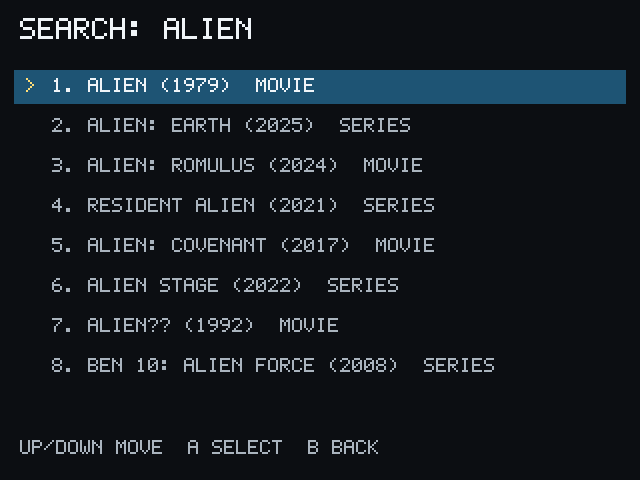
- From Home, select Search.
- Enter a movie title.
- Select a result marked MOVIE.
- Select Play.
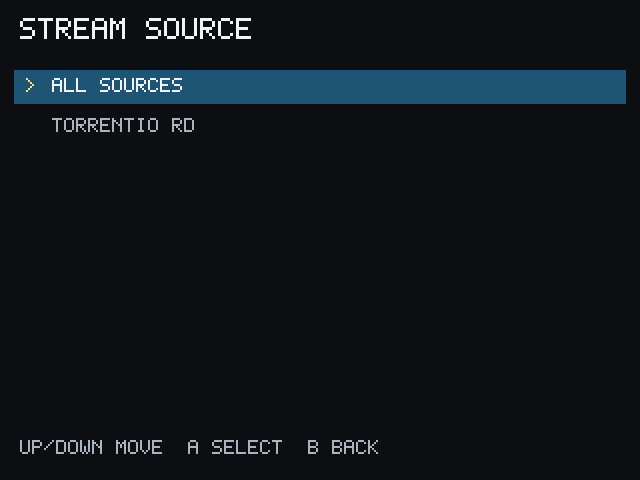
- Select a source. See Choose a Source for help reading the choices.
- Select subtitles, or choose No subtitles, when the subtitle screen appears.
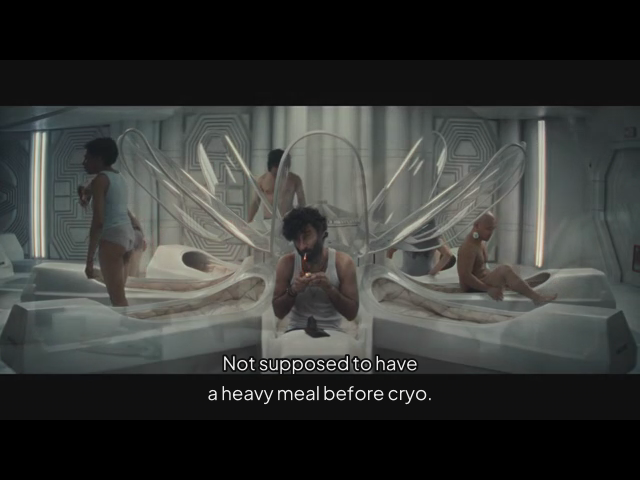
- Wait for playback to begin.
During playback, use the Miyoo Menu button to exit and return to PocketCinema. PocketCinema saves valid watched progress when possible.