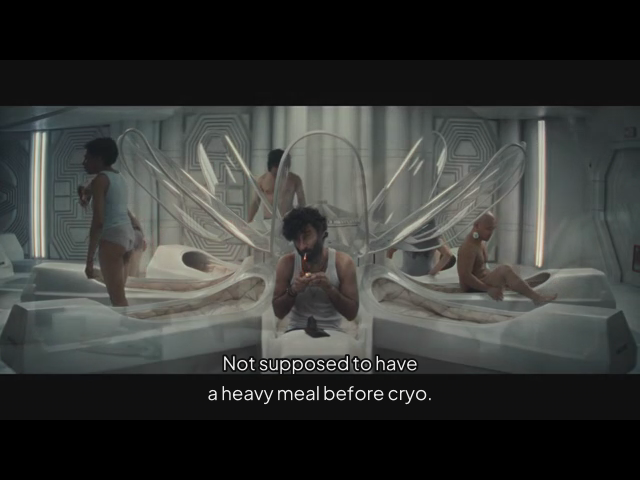
Subtitles
When subtitle tracks are available, PocketCinema makes subtitle choice part of the source/playback preparation flow. The exact screen depends on the source: some paths expose a dedicated subtitle choice, while others proceed through audio-language selection and stream preparation before selectable subtitles are available during playback.
- Choose Subtitle languages in Settings if you want preferred languages used automatically.
- If a dedicated subtitle screen appears during movie or episode selection, choose a listed subtitle track or No subtitles. Otherwise continue through the source’s preparation flow.
- If selectable tracks are available during playback, use the supported R1 control to cycle tracks and subtitles-off. The brief track notice confirms the change.
- Change Subtitle size in Settings when text is too small or too large.
Available tracks depend on the selected source. A preference cannot create a subtitle when the source provides none.