
Search
- Choose Search from the Home screen.
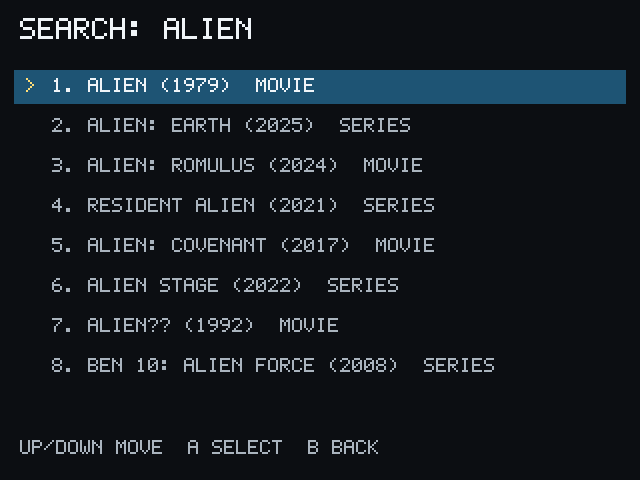
- Enter part or all of a title.
- Select a result. Results identify their type as MOVIE or SERIES.
Selecting a movie opens its actions. Selecting a series opens its seasons and episodes. If there are no results, try a shorter title or check the PCServer connection and account/service setup.
Continue with Watch your first movie or Continue Watching.