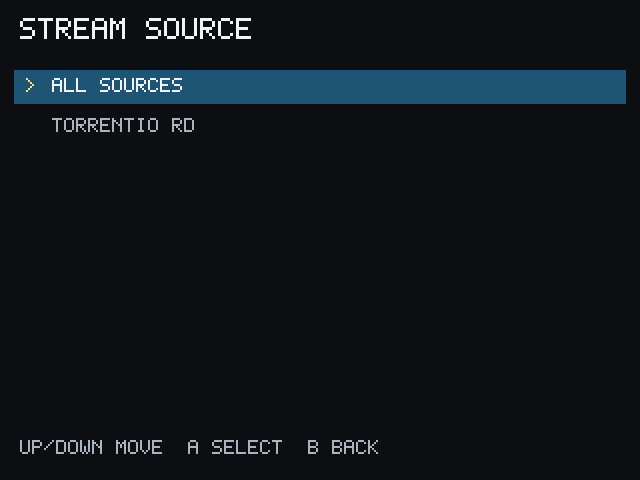
Choose a Source
After selecting Play, PocketCinema shows the sources available through PCServer. The list may include a source name, release information, resolution, audio and video summary, and a playback mode.
- DIRECT means the source is suitable for the Miyoo without server-side conversion.
- CONVERT means PCServer prepares the source for the Miyoo before playback.
Direct playback is not automatically better: choose the source that is available and starts reliably. A converted source may take longer to prepare, but can support media that is not directly suitable for the device.
Some sources are rejected because they are unavailable, unsafe, or outside the device’s supported playback limits. Try another listed source when this happens.